omero-browser-qt
OMERO Viewer
A full-featured multi-channel image viewer is included at
src/omero_browser_qt/omero_viewer.py.
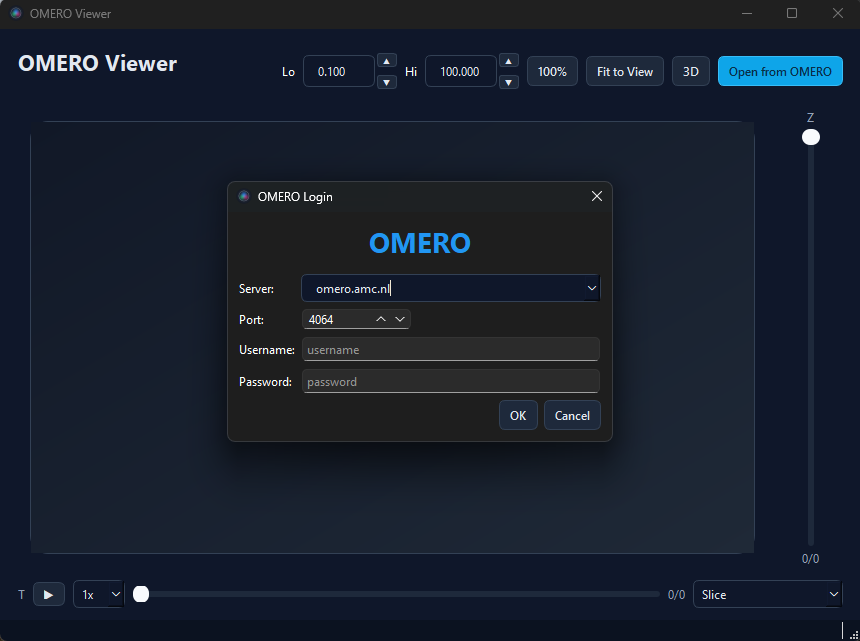
Running
omero_viewer
From a source checkout, you can also run:
python -m omero_browser_qt.omero_viewer
For 3D volume rendering, install the optional extra first:
pip install "omero-browser-qt[viewer]"
Features
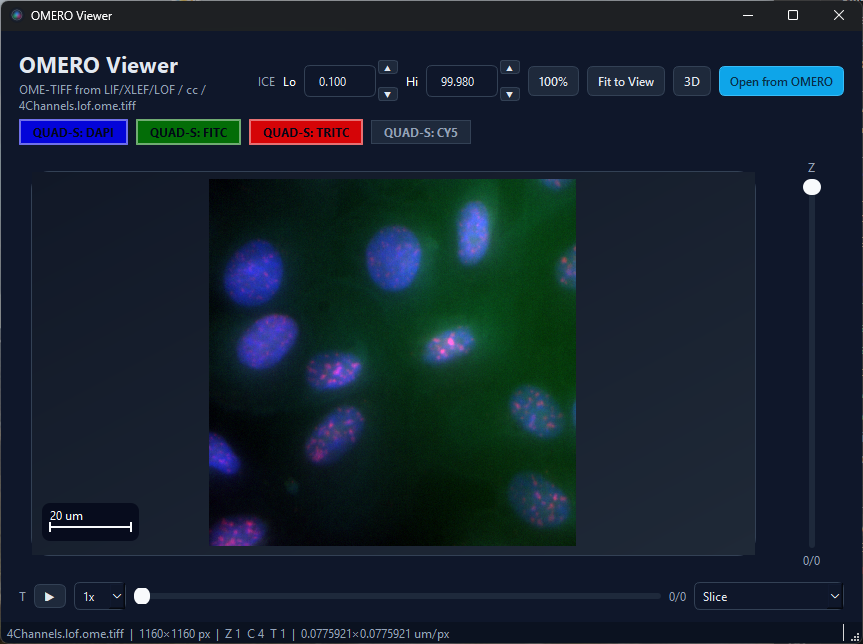
2D viewer
- Open from OMERO — launches the login + browser dialogs
- Projection modes — Slice, MIP, SUM, Mean, Median, Extended Focus, Local Contrast
- Z slider — navigate slices (enabled in Slice mode)
- Timepoint slider — navigate T dimension
- Lo% / Hi% — percentile-based contrast adjustment
- Channel buttons — toggle individual channels, coloured to match OMERO metadata
- Scale bar — automatic overlay when physical pixel size is available
- Cursor readout — live X / Y / Z / T in the status bar
- Fit to View — reset zoom and fit content to the window
- Mouse — scroll to zoom, drag to pan
- Play/Pause — animate through Z-slices or timepoints
3D viewer
- Render modes — MIP, Attenuated MIP, Translucent, Average, Isosurface, Additive, and MinIP when appropriate for the image type
- Mode-aware slider — gain, attenuation, threshold, or cutoff depending on the selected render mode
- Downsample — reduce voxel density for faster 3D interaction
- Smooth — toggle interpolation between linear and nearest sampling when supported by the current mode
- Multi-channel — additive blending with OMERO channel colours
- Arcball rotation — freely rotate the stack, including upside-down views
- Progress bar — shown while loading Z-stacks
- Cached stacks — contrast adjustments don’t re-fetch data
- RGB toggles — plain RGB images are shown as
R,G, andB
Architecture
The viewer demonstrates:
OmeroBrowserDialog.select_image_contexts()for structured selectionRegularImagePlaneProviderfor on-demand plane fetchingPyramidTileProviderfor large / pyramidal imagesget_image_display_settings()for channel metadatacompute_scale_bar()for physical scale overlay- vispy
SceneCanvasembedded viaQStackedWidgetfor 3D